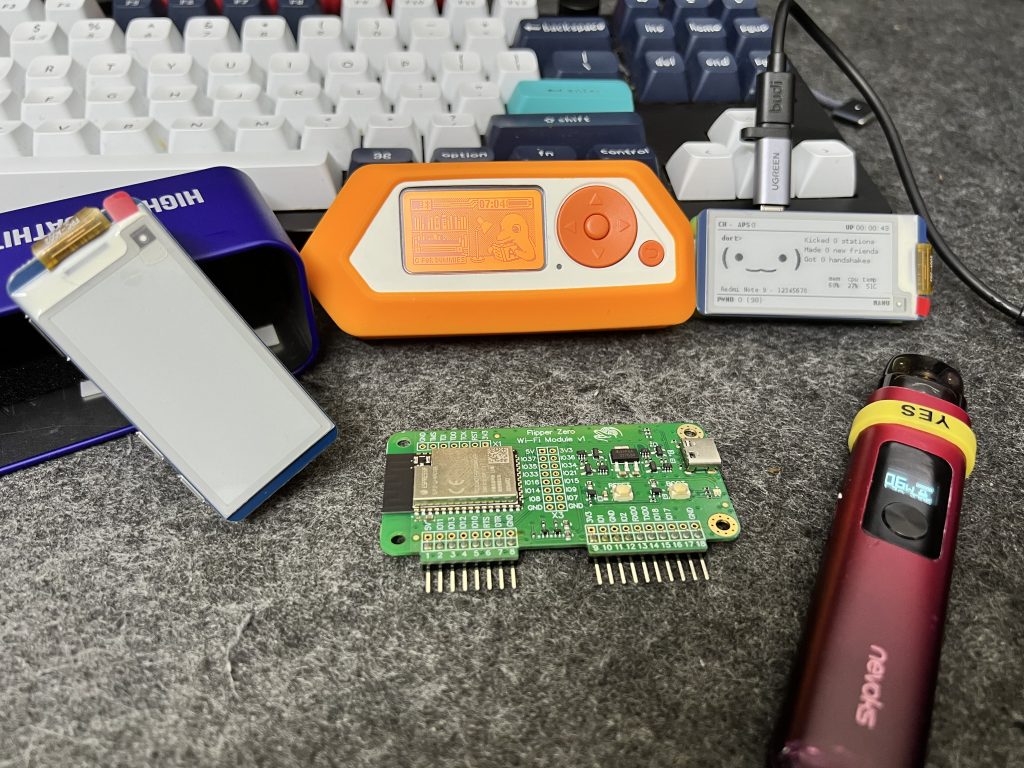
TL;DR: Attackers don’t “break in,” they log in—usually because the passphrase is weak. Your win condition: WPA2/3 + AES, long random passphrases, proper network segmentation, and continuous telemetry on who/what is on your LAN.
🧠 Threat Model: The Attacker’s Mental Model (Theory, not a how-to)
- 🛰️ Access layer reality: If I can stand on your curb, I can interact with your RF. No badge swipe needed.
- 🤝 Auth boundary target: The WPA2/WPA3 4-way handshake is a cryptographic challenge–response that proves knowledge of the PSK without revealing it. Attackers aim to observe, never alter, that exchange.
- 🧮 Offline advantage: Once an auth artifact is captured, the “fight” moves offline where GPUs attempt PSK candidates at scale. That’s why password structure matters more than vibes.
- 🧱 Post-auth pivot: Once on LAN, you’re just another host: L2/L3 discovery, weak IoT creds, flat networks, stale shares, chatty protocols. Defense is won in architecture, not heroics.
Principle: Don’t be the lowest entropy in the room.
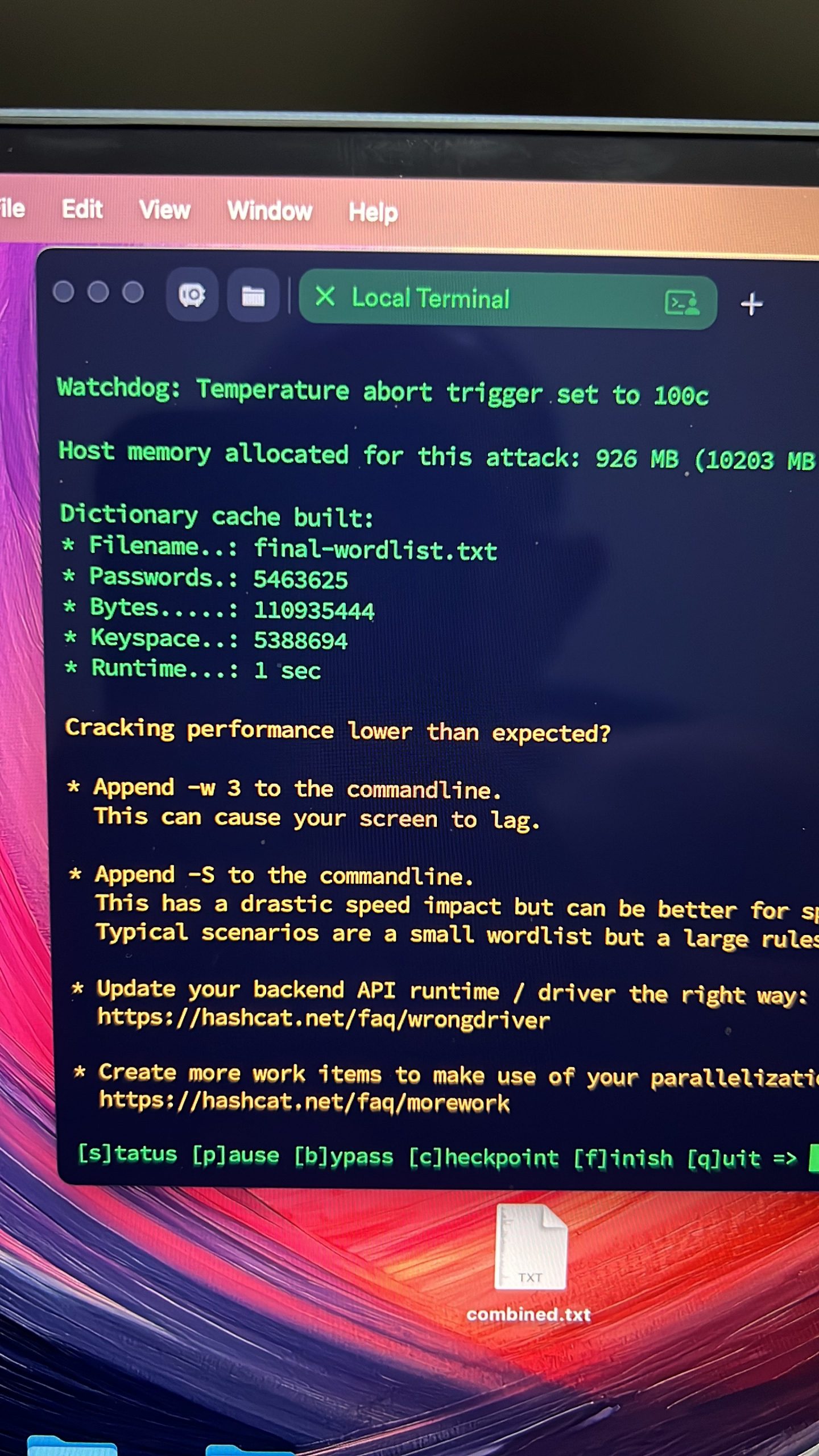
📚 Crypto & Entropy (Why short passphrases implode)
- Entropy ≈ log₂(search space).
- 8 digits (00000000–99999999) ⇒ 10⁸ combos ⇒ ~26.6 bits. That’s nothing in 2025.
- 16 chars from [a–zA–Z0–9!@#…] (~72 symbols) ⇒ 72¹⁶ ⇒ ~101.6 bits. That’s skyscraper-tall.
- GPU reality check: Offline guessing scales horizontally. Your only durable defense is entropy + length.
🛡️ Defender Playbook (Step-by-Step, Safe & Production-Minded)
Harden the Air
- ✅ WPA2-PSK (AES) or WPA3-SAE. Disable WEP/TKIP. Disable WPS.
- ✅ Rotate the PSK when roommates change, contractors leave, or you publish it somewhere “temporarily.”
Generate a strong PSK (copy-paste):
# 24 bytes (~32 chars Base64) – strong and memorable enough
openssl rand -base64 24

# Or a cryptographically strong custom alphabet (20+ chars) in Python:
python3 - <<'PY'
import secrets, string
alphabet = string.ascii_letters + string.digits + "!@#$%^&*()_-+=[]{}"
print(''.join(secrets.choice(alphabet) for _ in range(24)))
PY
- Guest SSID → Internet-only, no LAN.
- IoT SSID/VLAN → Egress to cloud only; no east-west.
- Admin SSID → Your trusted devices only.
Example: Internet-only policy for a guest interface
(Linux nftables):
# Drop guest-to-LAN; allow guest-to-Internet
sudo nft add table inet filter
sudo nft add chain inet filter guest_forward { type filter hook forward priority 0 \; }
sudo nft add rule inet filter guest_forward iifname "wlan0_guest" ip daddr 10.0.0.0/8 drop
sudo nft add rule inet filter guest_forward iifname "wlan0_guest" ip daddr 172.16.0.0/12 drop
sudo nft add rule inet filter guest_forward iifname "wlan0_guest" ip daddr 192.168.0.0/16 drop
sudo nft add rule inet filter guest_forward iifname "wlan0_guest" ct state established,related accept<br>sudo nft add rule inet filter guest_forward iifname "wlan0_guest" counter accept
Quick VLAN carve-out (Linux host/gateway):
# Create VLAN 30 for IoT

sudo ip link add link eth0 name eth0.30 type vlan id 30
sudo ip addr add 192.168.30.1/24 dev eth0.30
sudo ip link set eth0.30 up

# Hand off eth0.30 to your DHCP server / router stack
Know Thy Devices (Continuous Inventory)
- Baseline who’s on Wi-Fi and alert on surprise MACs.
# Snapshot neighbors / ARP cache
ip neigh show | sort

# Quick ping sweep (adjust cidr)
for i in $(seq 1 254); do ping -c1 -W1 192.168.1.$i >/dev/null && echo 192.168.1.$i; done
- Treat unknown hostname + new MAC + odd vendor OUI as a page.
Patch the RF Edge
- Keep your AP/router on current firmware.
- If your AP supports it, enable Management Frame Protection (MFP/PMF) (helps against certain deauth plays).
Credential Hygiene at Scale
- PSK too widely shared? Consider WPA2-Enterprise (802.1X + RADIUS) so each user/device has unique creds.
- Pair with per-VLAN assignment via RADIUS attributes for real segmentation.
Blast Radius Reduction
- Lock down SMB/AFP/NFS to trusted subnets only.
- Put fragile devices (CCTV, printers) behind deny-by-default rules; allow only what they need.
🧪 Blue-Team “Lab” Checklist (Ethical, Permission-Only)
Legal/ethical note: Only test networks you own or have explicit written authorization to assess. No exceptions.
- 🧭 Scope: Document SSIDs, subnets, allowed testing windows, and success criteria (e.g., “no guest-to-LAN”).
- 📊 Metrics that impress:
- Time to detect new device (MTTD)
- Time to contain rogue client (MTTC)
- % of devices on isolated VLANs
- PSK rotation cadence & password entropy distribution
- 🧷 Controls to validate:
- WPS disabled
- WPA3 supported/enabled where possible
- Guest isolation truly blocks RFC1918
- IoT cannot talk east-west or reach admin hosts
Defender-safe verification snippets:
# Confirm your interface segregation (Linux)
ip -br addr
ip route show

# See if your Wi-Fi stack negotiates robust ciphers (client-side sanity)
nmcli -f ACTIVE,SSID,SECURITY dev wifi

# Show OS services listening only on expected subnets
ss -tulpn
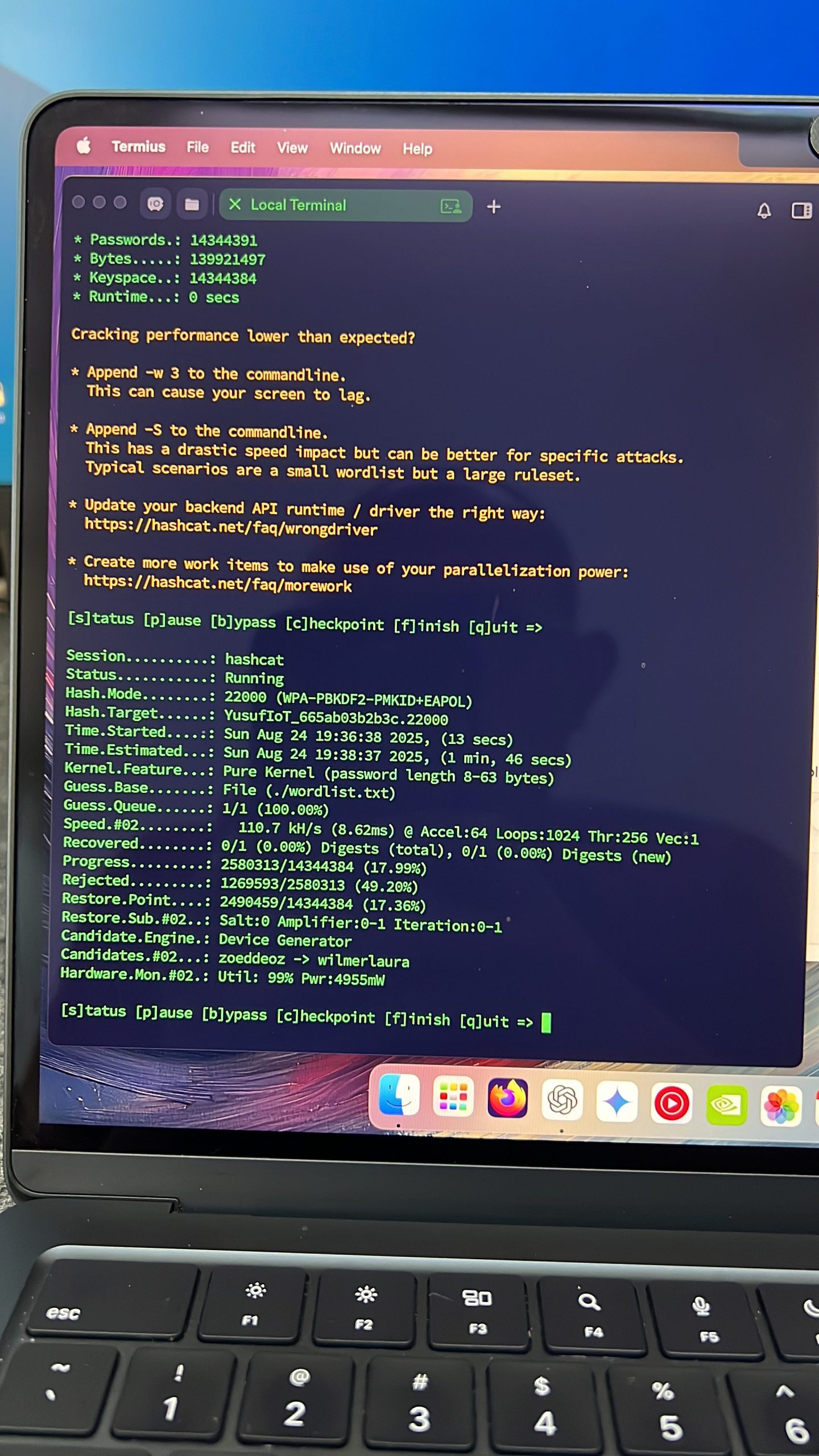
🧩 “Why My Lab Cracked 12345678 Instantly, But Choked on Random 20+”
- Numeric 8-digit = tiny space → trivial.
- Name+Year patterns = easily guessed with mangling rules.
- Random 20–24 chars from a rich alphabet = astronomical space; offline rigs stall out geologically.
It’s not magic. It’s math. Build for entropy; architect for isolation.
🧰 Handy (Safe) Ops Snippets You Can Reuse
Rotate PSK then notify household (template):
Subject: Wi-Fi Security Maintenance — New Passphrase

Hi all,
We’ve rotated the home Wi-Fi passphrase as part of routine security hygiene.
New SSID: <Your_SSID>
New PSK: <LongRandomString>  (do not share outside household)
Guest Wi-Fi remains Internet-only.

If any device fails to connect, ping me.
—<Your Name>
Block IoT from reaching admin subnet (example, adjust subnets):
# Deny IoT VLAN (192.168.30.0/24) from talking to Admin VLAN (192.168.10.0/24)
sudo nft add rule inet filter guest_forward iifname "eth0.30" ip daddr 192.168.10.0/24 drop
🏁 Executive Takeaways (The Stuff Hiring Managers Care About)
- Policy → Control → Telemetry → Response: you closed the loop.
- Measurable improvements (entropy, segmentation, MTTx).
- Scalable patterns (WPA2-Ent + RADIUS, VLANs, least-privilege egress).
- Boring is beautiful: most breaches die when basics are airtight.